github不能直连的时候,经常会用到https://gh-proxy.com 这样的加速服务,hubproxy是一个轻量级、高性能的多功能代理服务,提供 Docker 镜像加速、GitHub 文件加速、下载离线镜像、在线搜索 Docker 镜像等功能。
项目地址:sky22333/hubproxy
docker-compose 部署
1
2
3
4
5
6
7
8
9
10
11
12
13
14
| services:
hubproxy:
image: ghcr.io/sky22333/hubproxy
container_name: hubproxy
restart: always
ports:
- "5000:5000"
volumes:
- ./src/config.toml:/app/config.toml:ro
logging:
driver: json-file
options:
max-size: "200m"
max-file: "3"
|
./src/config.toml内容:
1
2
3
4
5
6
7
8
9
10
11
12
13
14
15
16
17
18
19
20
21
22
23
24
25
26
27
28
29
30
31
32
33
34
35
36
37
38
39
40
41
42
43
44
45
46
47
48
49
50
51
52
53
54
55
56
57
58
59
60
61
62
63
64
65
66
67
68
69
70
71
72
73
74
75
76
77
78
79
80
81
82
83
84
85
86
87
88
89
90
91
| [server]
host = "0.0.0.0"
port = 5000
fileSize = 2147483648
enableH2C = false
enableFrontend = true
[rateLimit]
requestLimit = 500
periodHours = 3.0
[security]
whiteList = [
"127.0.0.1",
"127.0.0.2"
]
blackList = [
"192.168.100.1",
"192.168.100.0/24"
]
[access]
whiteList = []
blackList = [
"baduser/malicious-repo",
"*/malicious-repo",
"baduser/*"
]
proxy = ""
[download]
maxImages = 10
[registries]
[registries."ghcr.io"]
upstream = "ghcr.io"
authHost = "ghcr.io/token"
authType = "github"
enabled = true
[registries."gcr.io"]
upstream = "gcr.io"
authHost = "gcr.io/v2/token"
authType = "google"
enabled = true
[registries."quay.io"]
upstream = "quay.io"
authHost = "quay.io/v2/auth"
authType = "quay"
enabled = true
[registries."registry.k8s.io"]
upstream = "registry.k8s.io"
authHost = "registry.k8s.io"
authType = "anonymous"
enabled = true
[tokenCache]
enabled = true
defaultTTL = "20m"
|
其中的proxy处要填上梯子的地址。
构建成功后,ip:5000 可打开。
脚本安装
curl -fsSL https://raw.githubusercontent.com/sky22333/hubproxy/main/install.sh | sh
安装后配置文件位于 /etc/hubproxy/config.toml,服务自动启动。
反向代理设置
hubproxy部署在内网上,通过frp穿透到公网,再用nginx加上ssl。
用的是阿里云轻量服务器,修改/etc/nginx/nginx.conf,在最后一个}前加上:
1
2
3
4
5
6
7
8
9
10
11
12
13
14
15
16
17
18
19
| server {
listen 443 ssl http2
server_name hub.domain.com
ssl_certificate "/root/ssl/_.domain.com.crt"
ssl_certificate_key "/root/ssl/_.domain.com.key"
location / {
proxy_pass http://f.domain.com:7008/
proxy_set_header Host $host
proxy_set_header X-Real-IP $remote_addr
proxy_set_header X-Forwarded-For $remote_addr
proxy_set_header X-Forwarded-Proto $scheme
proxy_set_header REMOTE-HOST $remote_addr
add_header X-Cache $upstream_cache_status
add_header Cache-Control no-cache
expires 12h
}
}
|
ssh中执行:
1
2
| nginx -t
nginx -s reload
|
到域名托管处添加hub.domain.com的A记录指向云服务器(很重要)。
生效之后就可以用https://hub.domain.com 访问。
体验

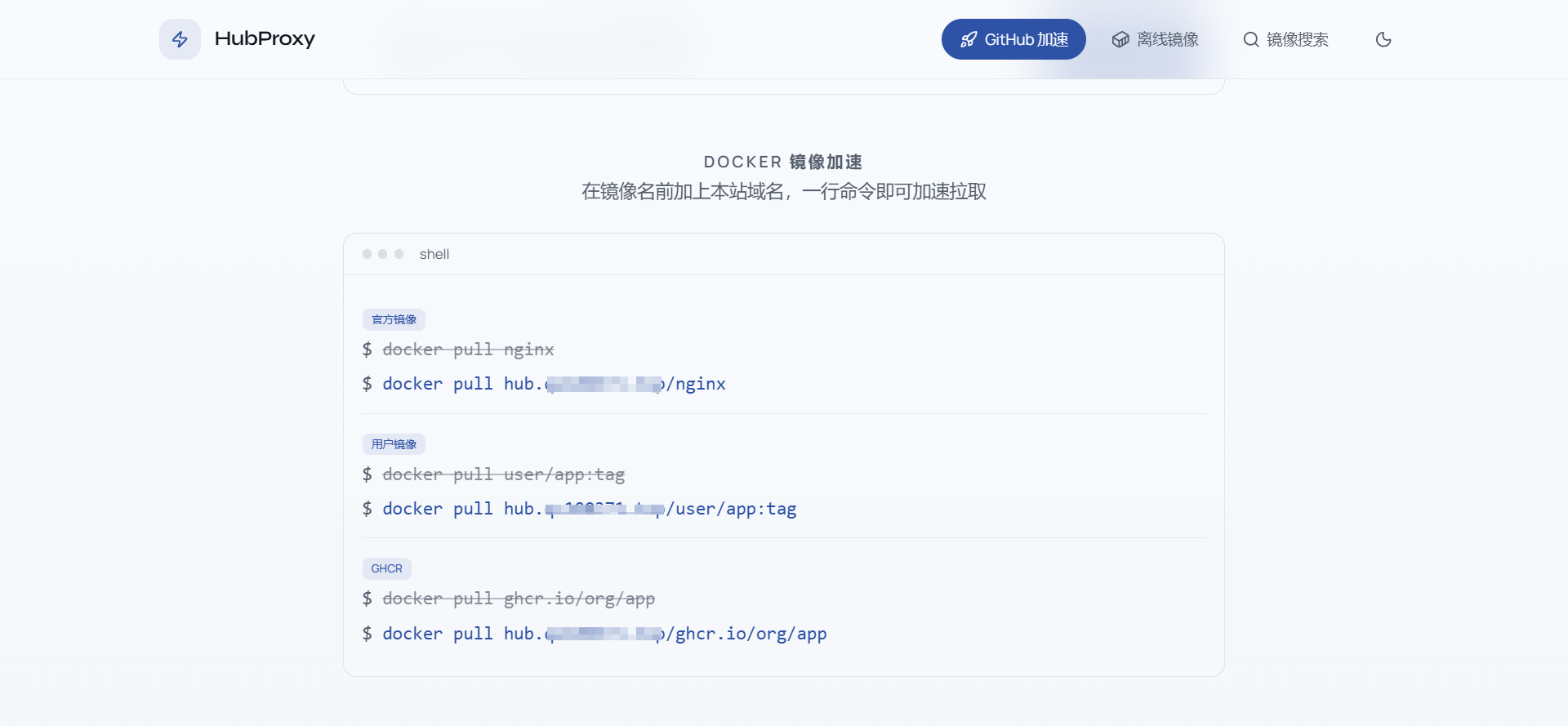


config.toml里的proxy处必须设置,hubproxy服务器自己要能连上github和docker hub才能提供加速服务。