安装AdGuard Home
AdGuard Home 是免费且开源,强大的全网广告和跟踪器阻止 DNS 服务器。本文详细记录了安装方法。
项目地址:AdguardTeam/AdGuardHome
AdGuard Home 作为 DNS 服务器运行,将跟踪域重新路由到“黑洞”,从而防止设备连接到这些服务器。
53端口被占用的解决方法
Linux系统中53端口可能被占用,查看端口占用情况:netstat -tlunp | grep 53
输出:
1 | root@fn-j1900:~# netstat -tlunp |grep 53 |
端口已被systemd-resolved占用。systemctl stop systemd-resolvednano /etc/systemd/resolved.conf
内容:
1 | [Resolve] |
ln -sf /run/systemd/resolve/resolv.conf /etc/resolv.conf
自动安装
curl -s -S -L https://raw.githubusercontent.com/AdguardTeam/AdGuardHome/master/scripts/install.sh | sh -s -- -v
docker安装
1 | docker pull adguard/adguardhome |
各参数意义详见:https://hub.docker.com/r/adguard/adguardhome
设置
从ip:3000访问,并设置。
- DNS 服务器推荐
不同地区连接至 DNS 服务器的速度各有差异,各位可以通过 Ping 测速的方式寻找当地连接延迟最低的 DNS 服务器。更多 DNS 服务器可以在 AdGuard 文档中找到。
| DNS 提供商 | 地址 |
|---|---|
| 阿里 | 223.5.5.5 |
| DNSPod | 119.29.29.29 |
- 添加过滤规则
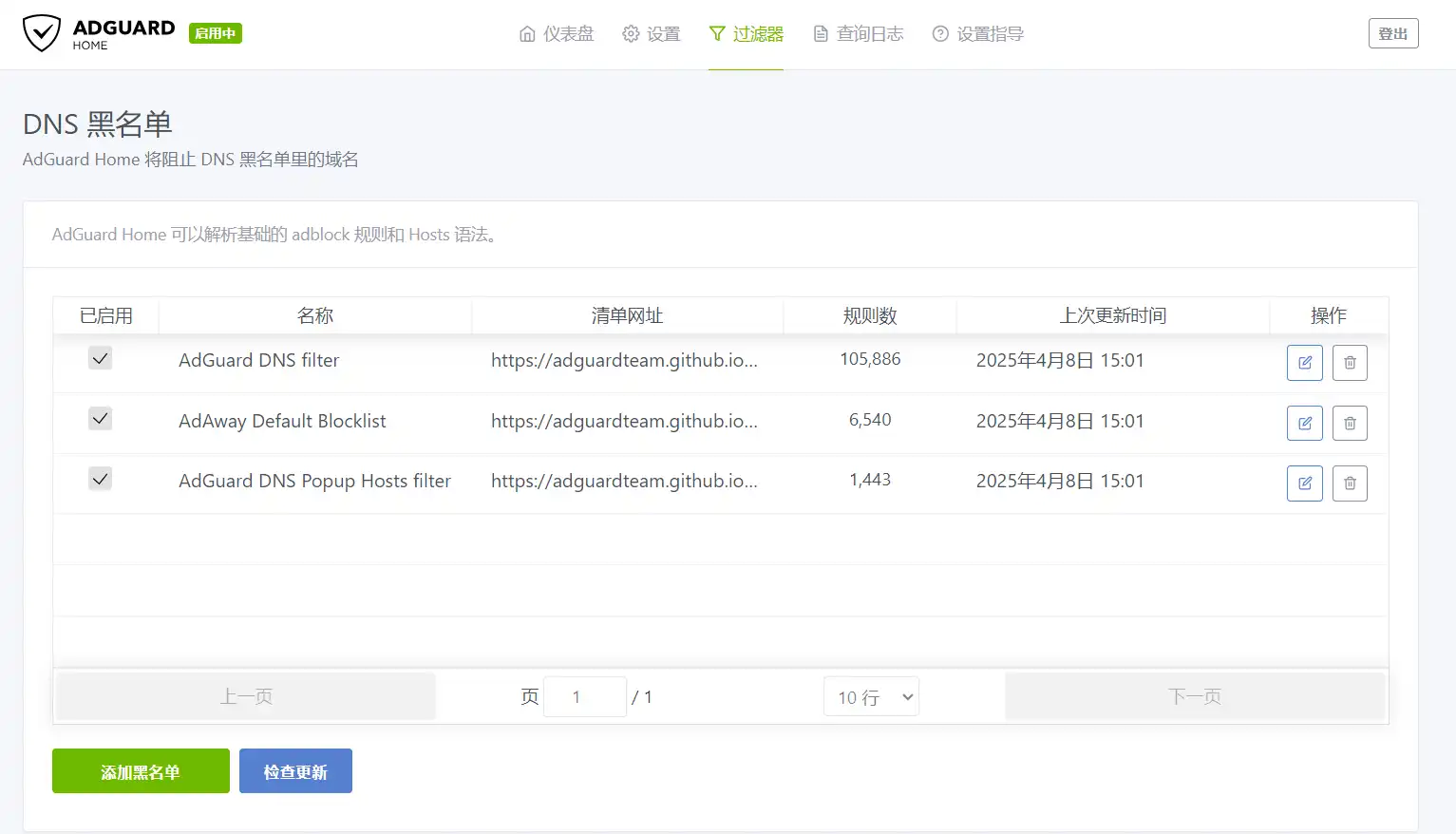
为了更好地发挥 AdGuard Home 去广告的功能,仅依靠默认的过滤规则是不够的,但也不宜过多,过多的过滤规则会影响解析的速度,可以根据需要添加过滤规则。
替换设备 DNS
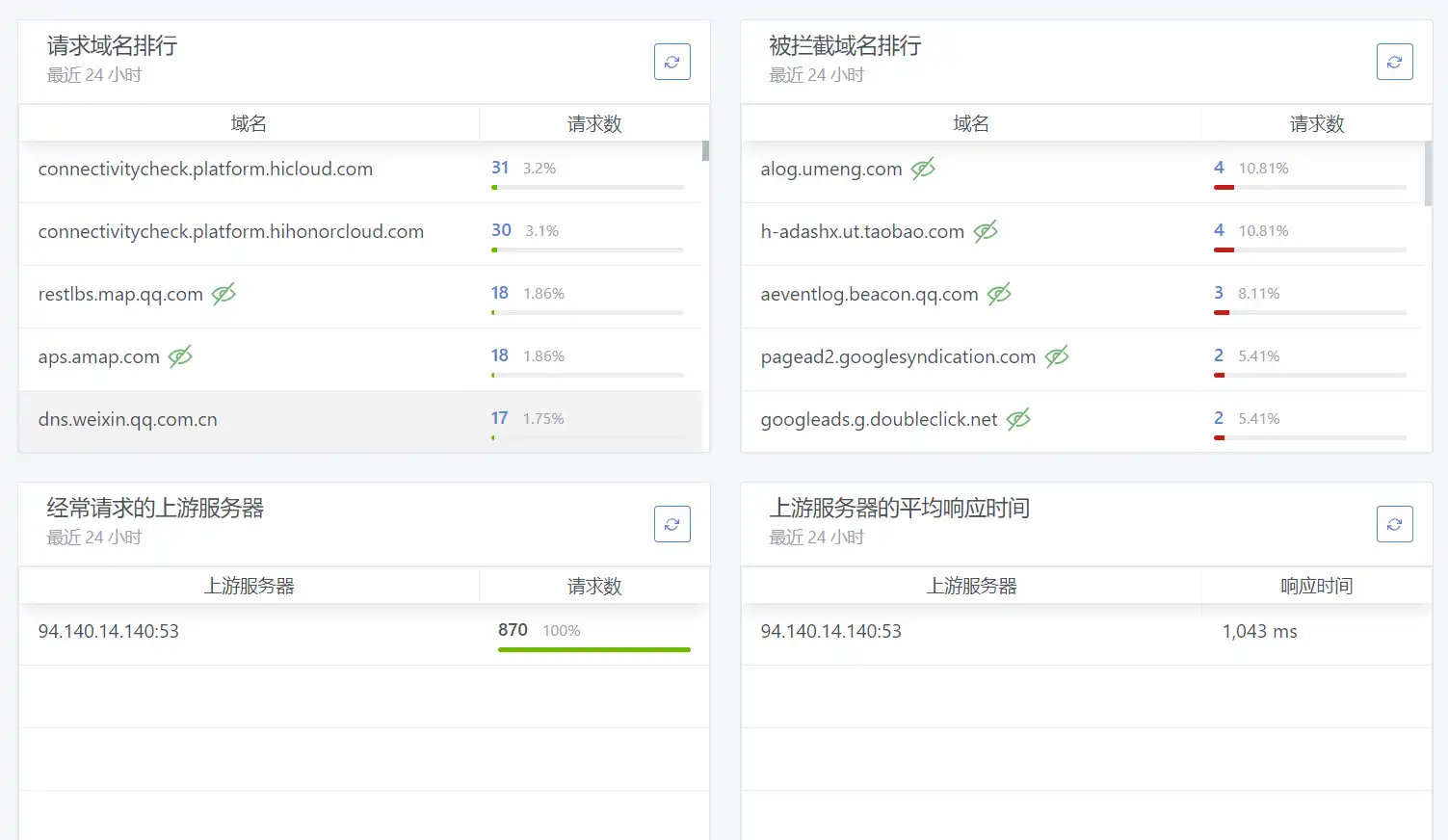
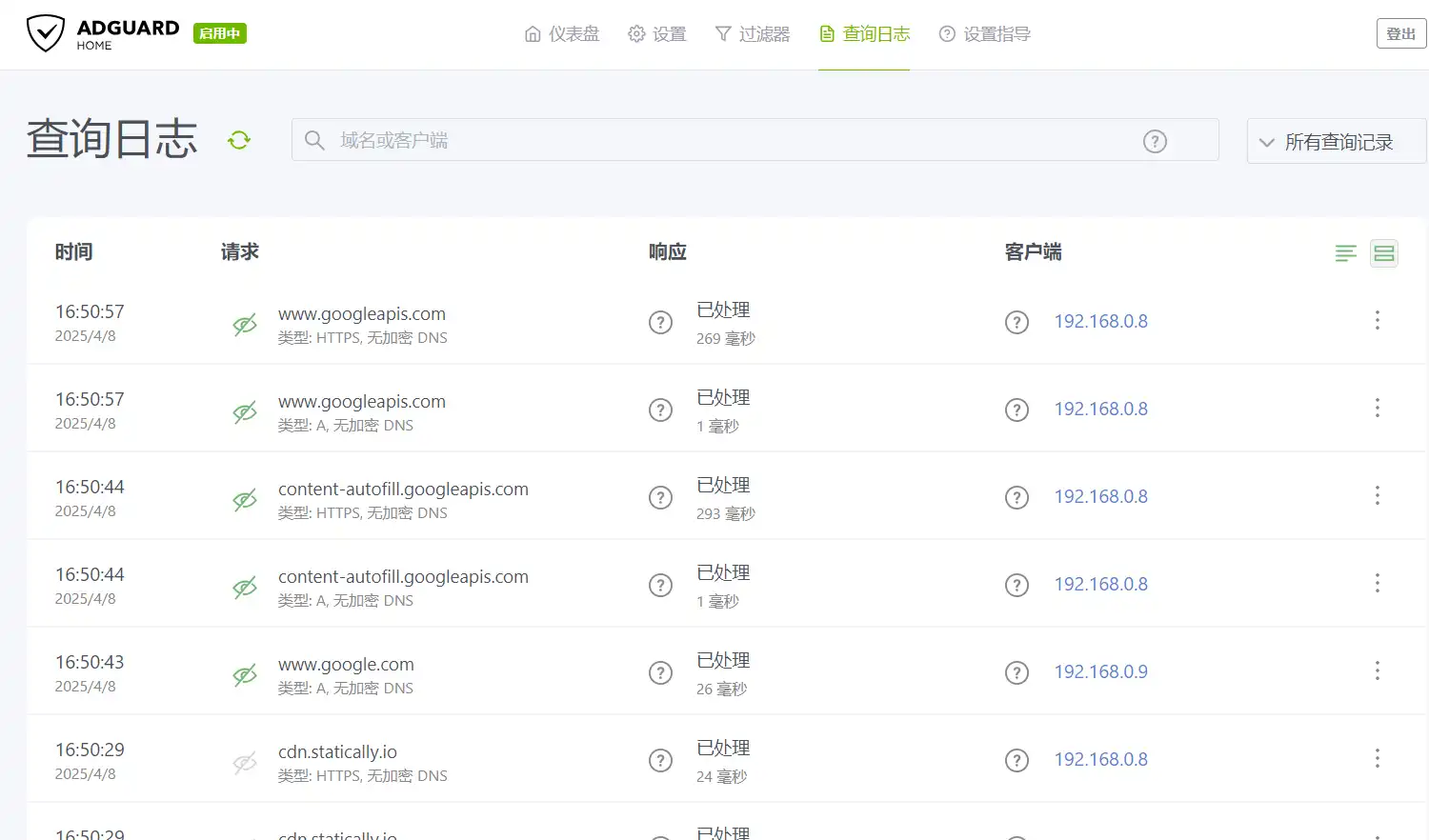
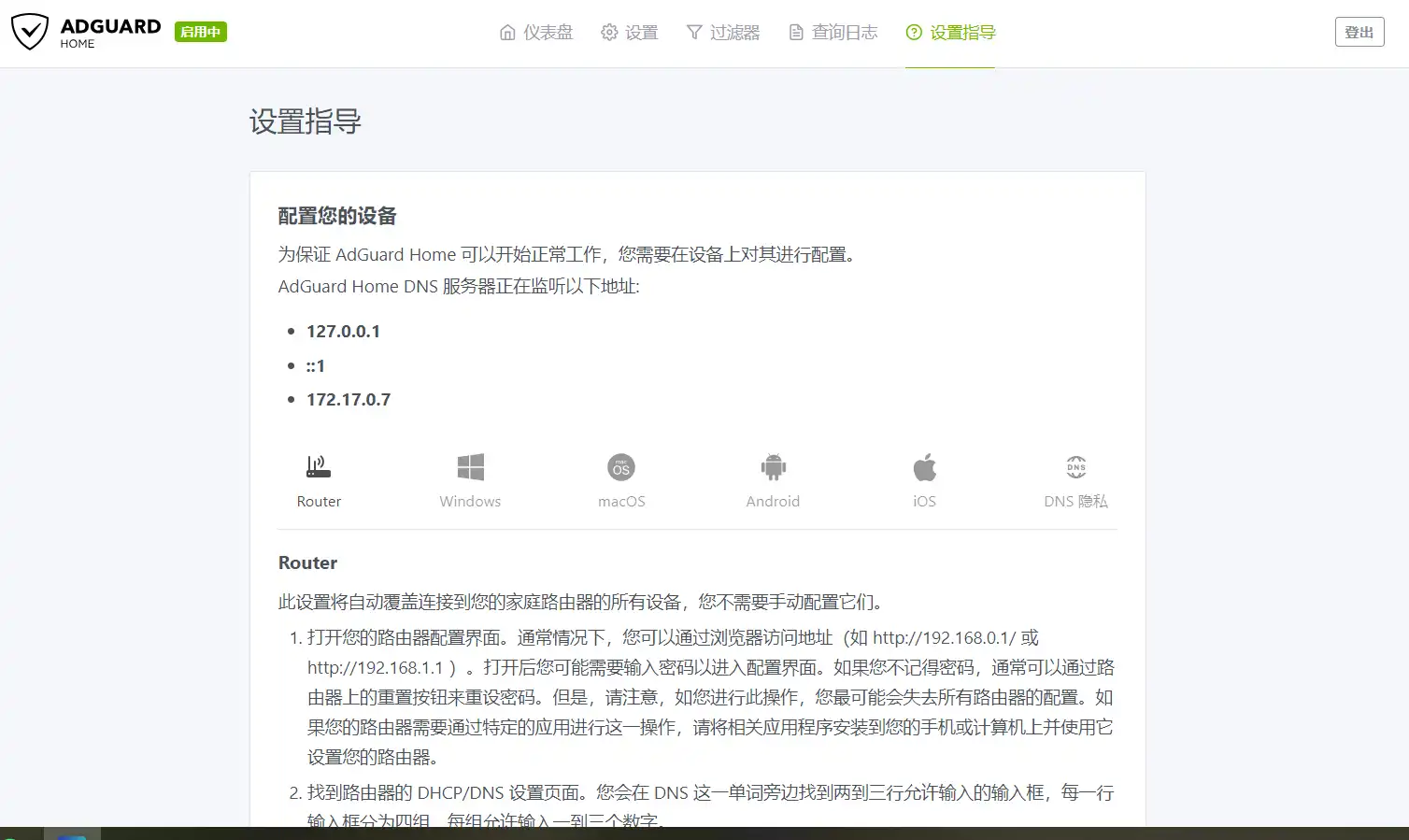
完成 AdGuard Home 的设置后,便可将 AdGuard Home 的 DNS 地址部署到局域网设备上。可以在路由器上把DHCP的DNS1设为此IP,DNS2设成原路由器地址。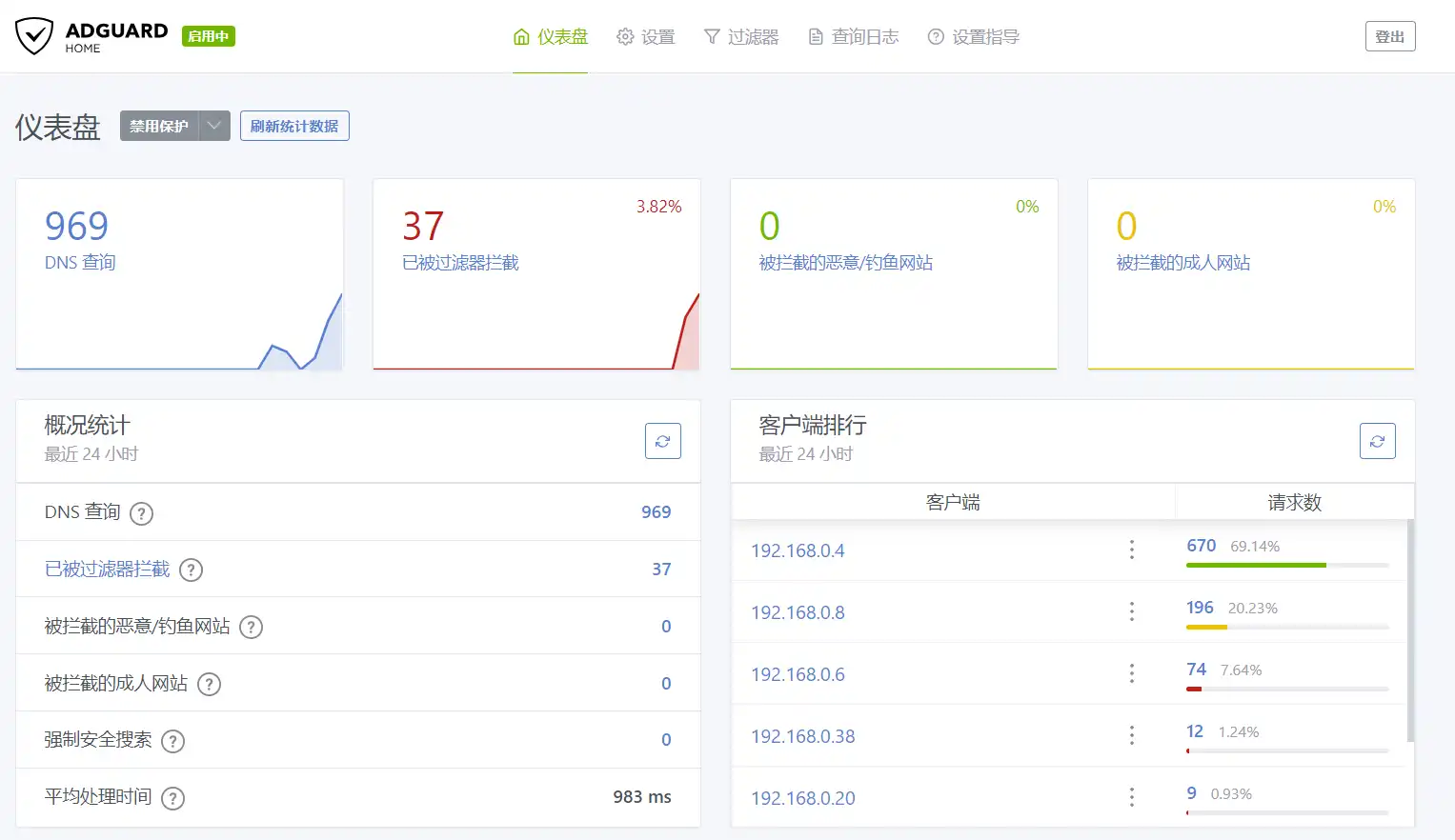
参考:
AdGuard Home 安装及使用指北
本博客所有文章除特别声明外,均采用 CC BY-NC-SA 4.0 许可协议。转载请注明来源 折腾日记!
评论